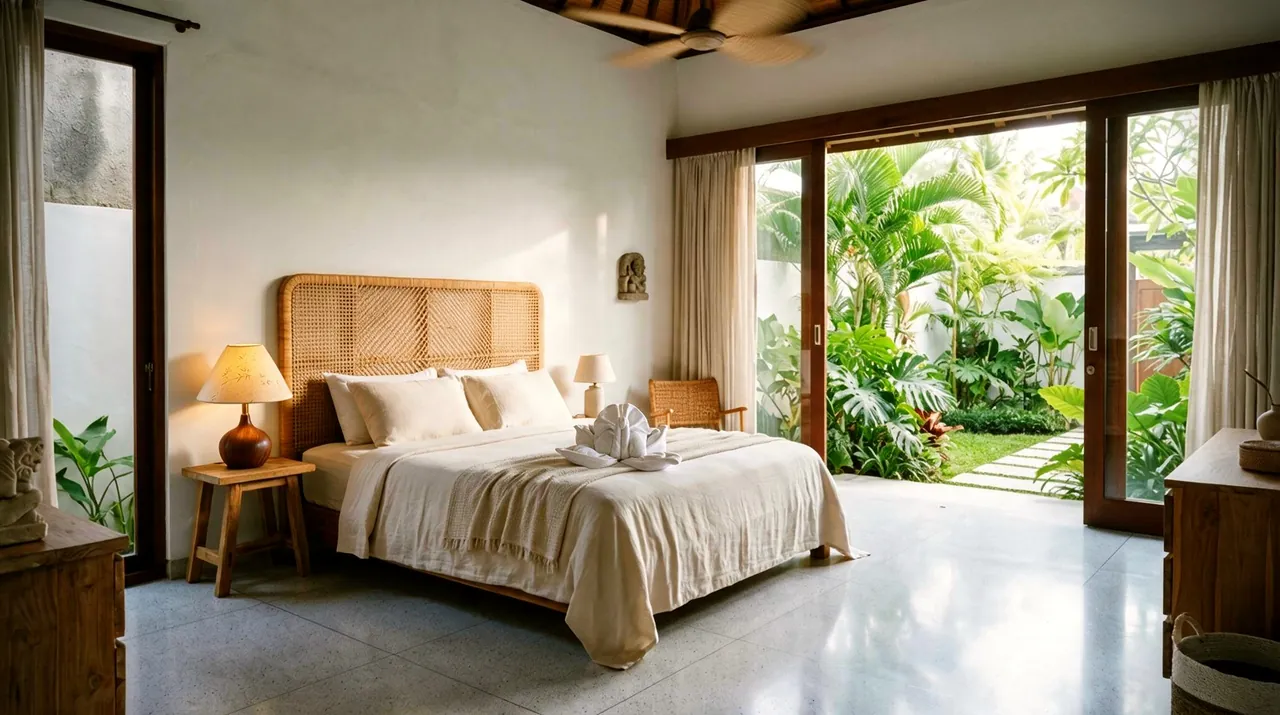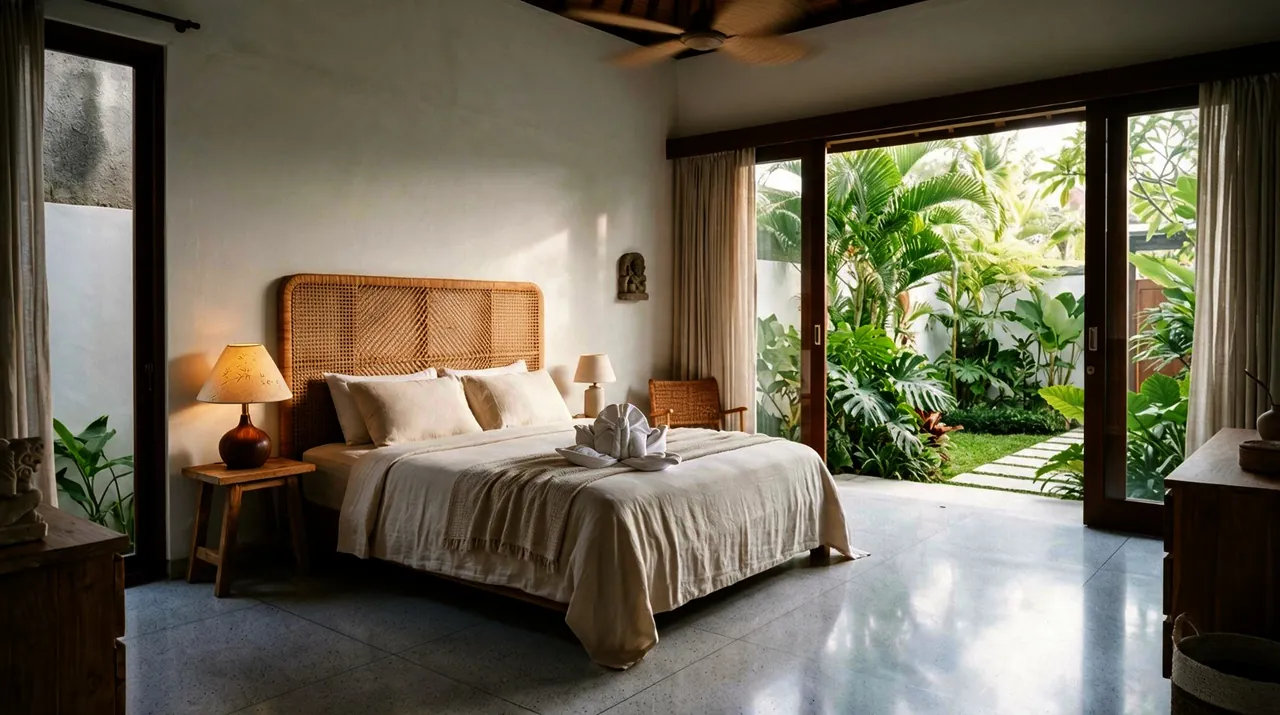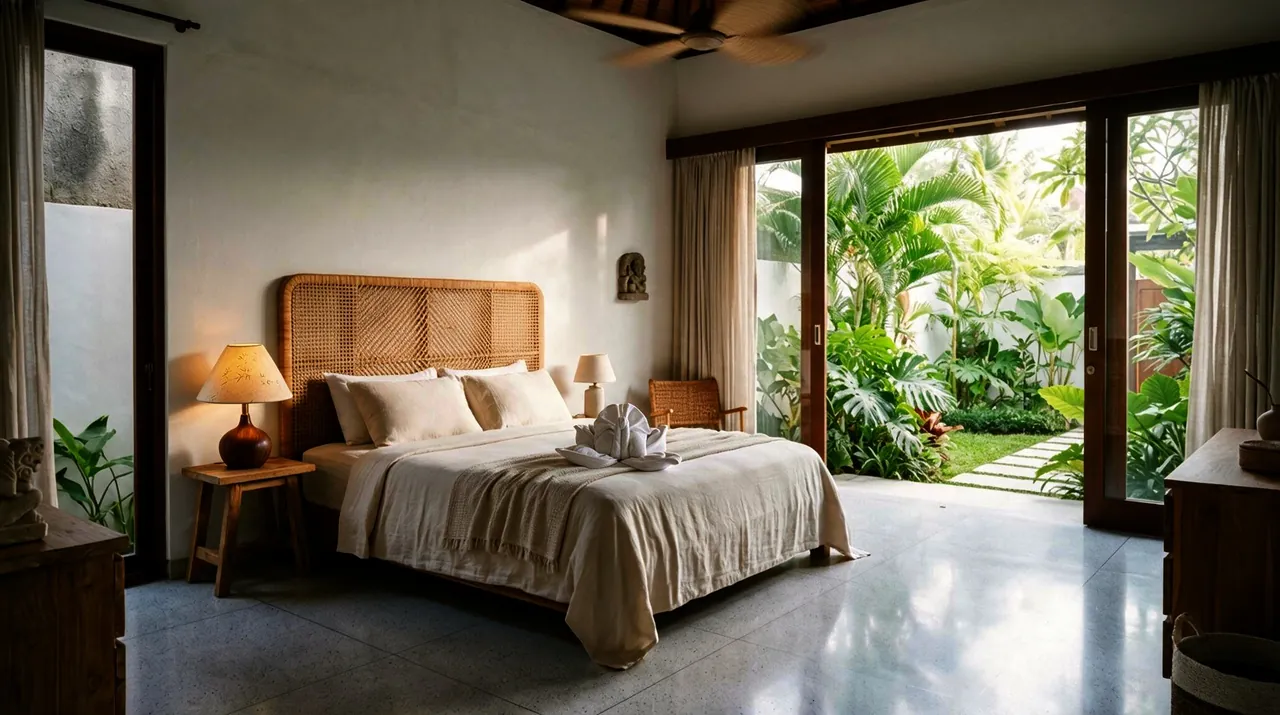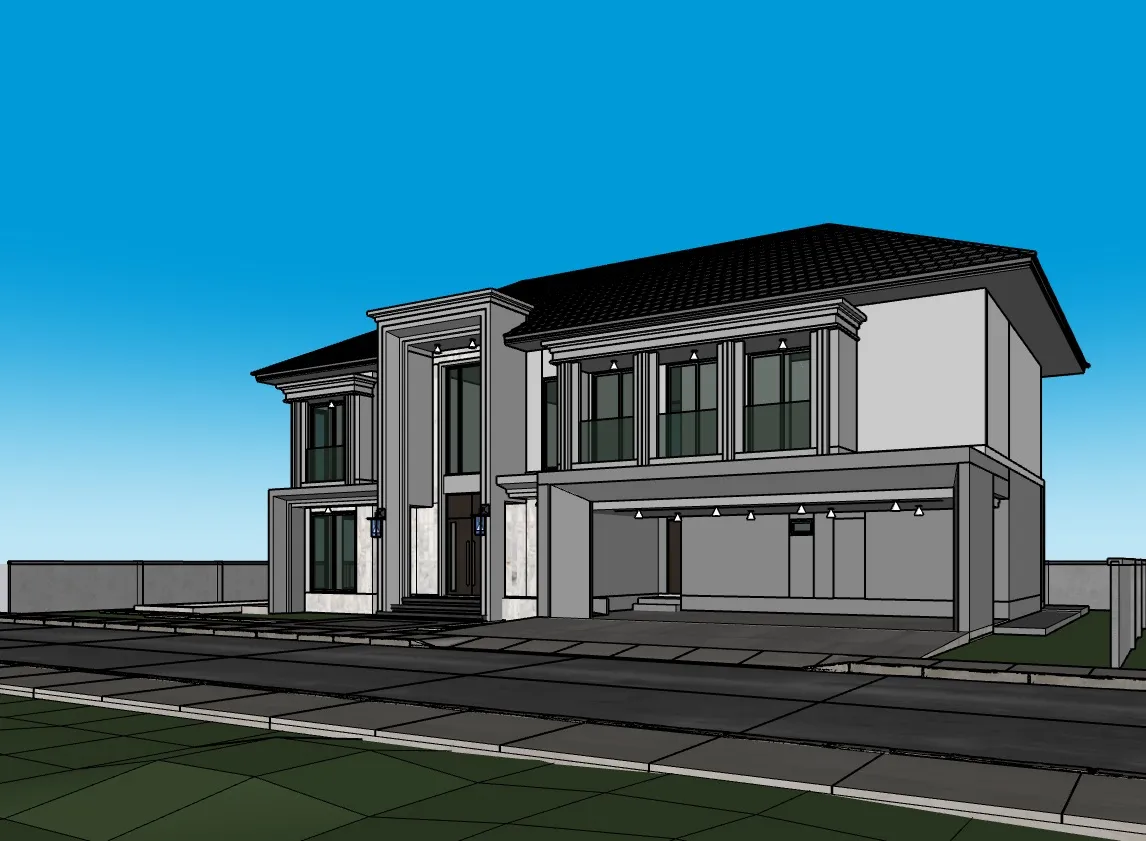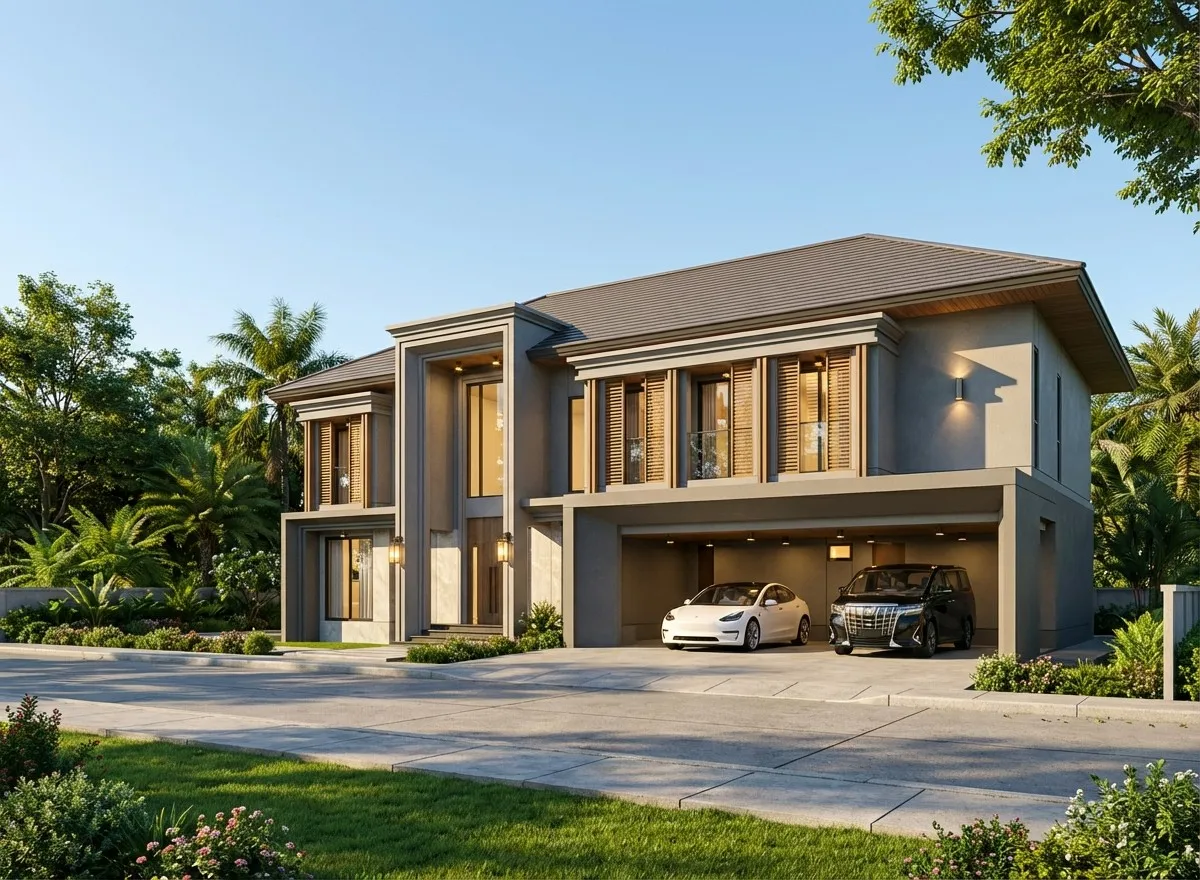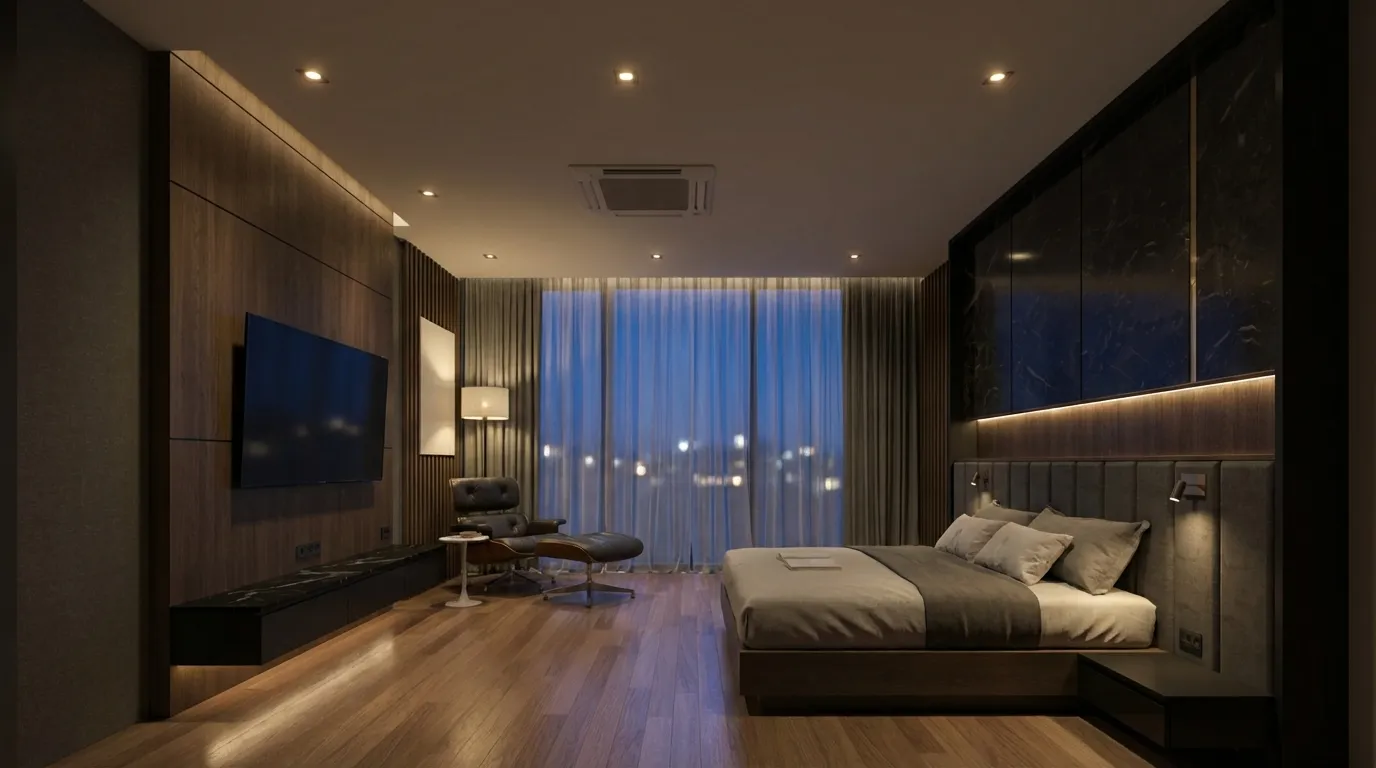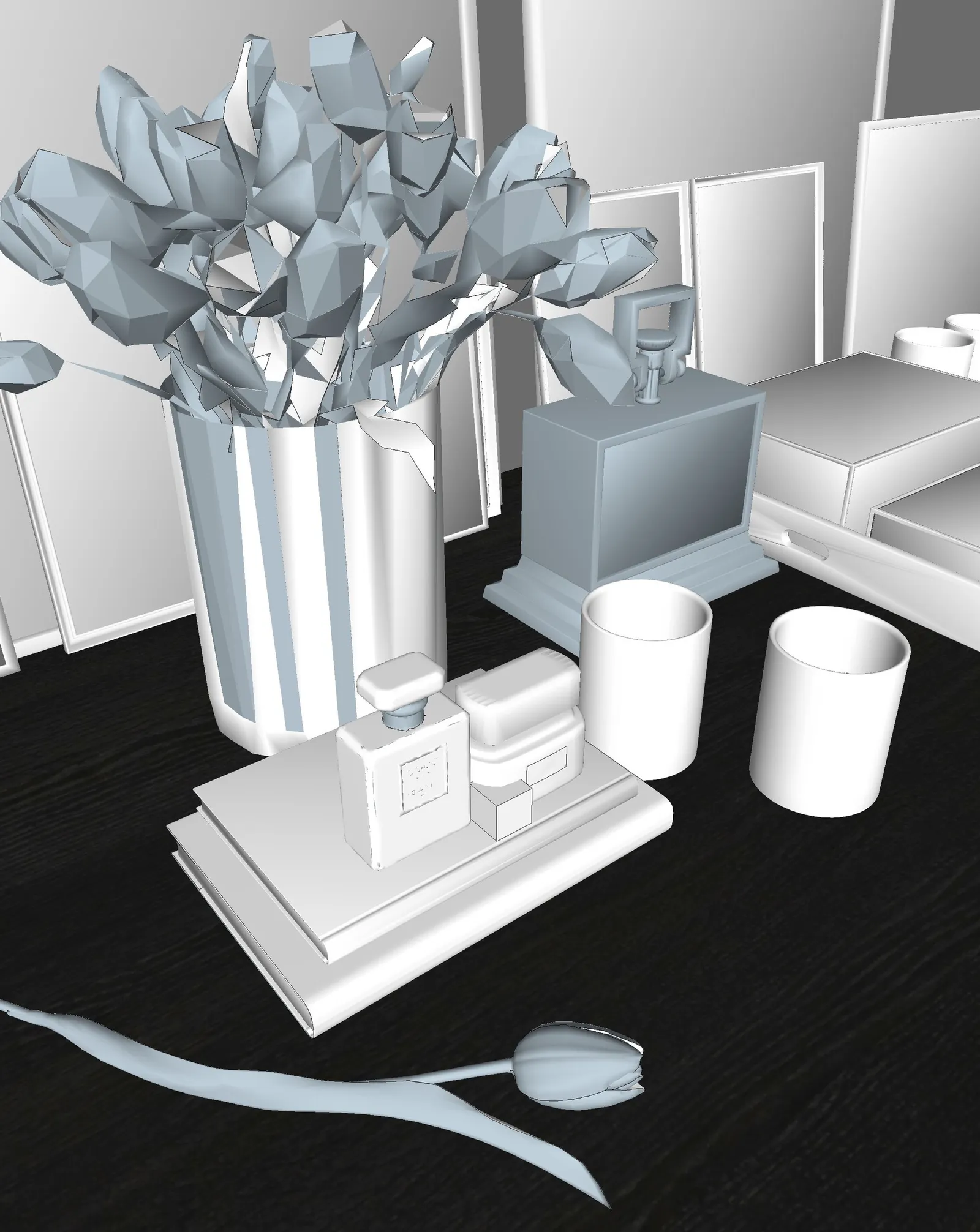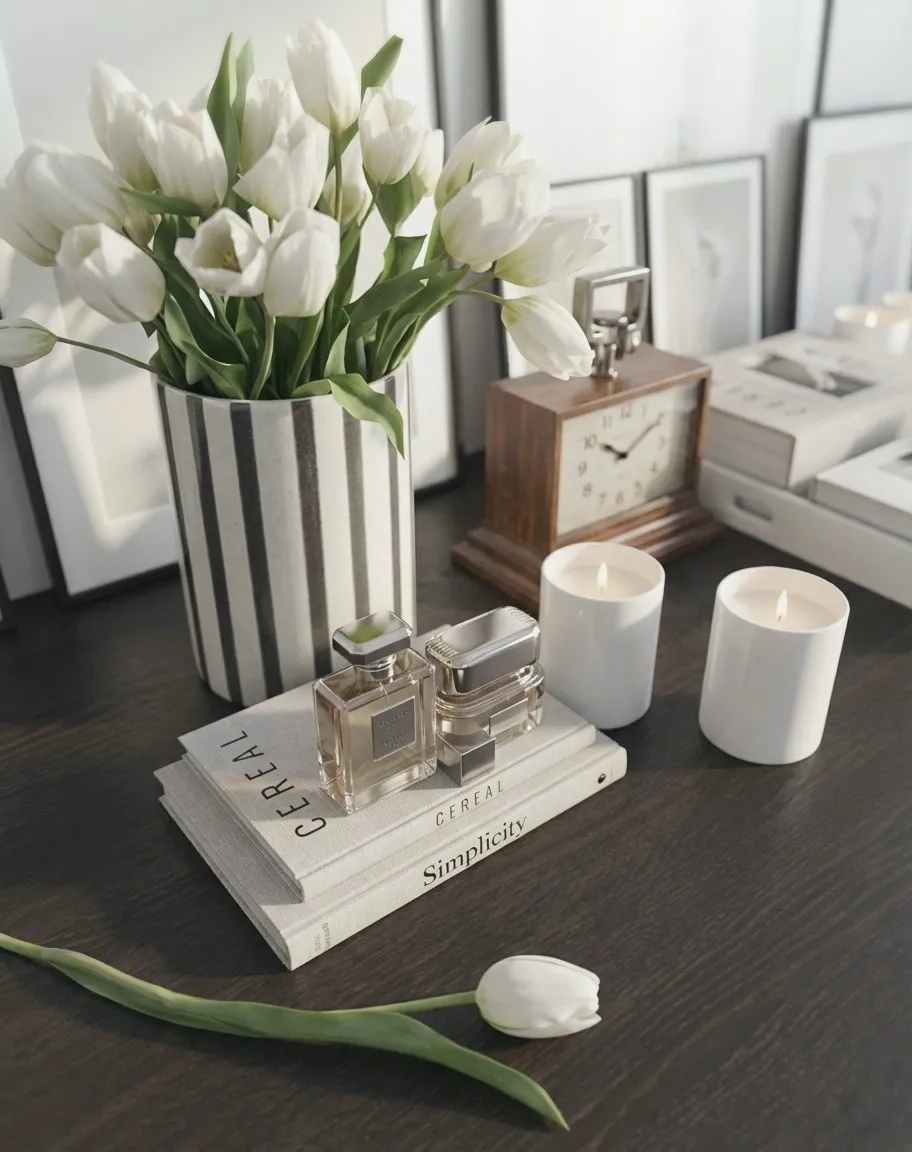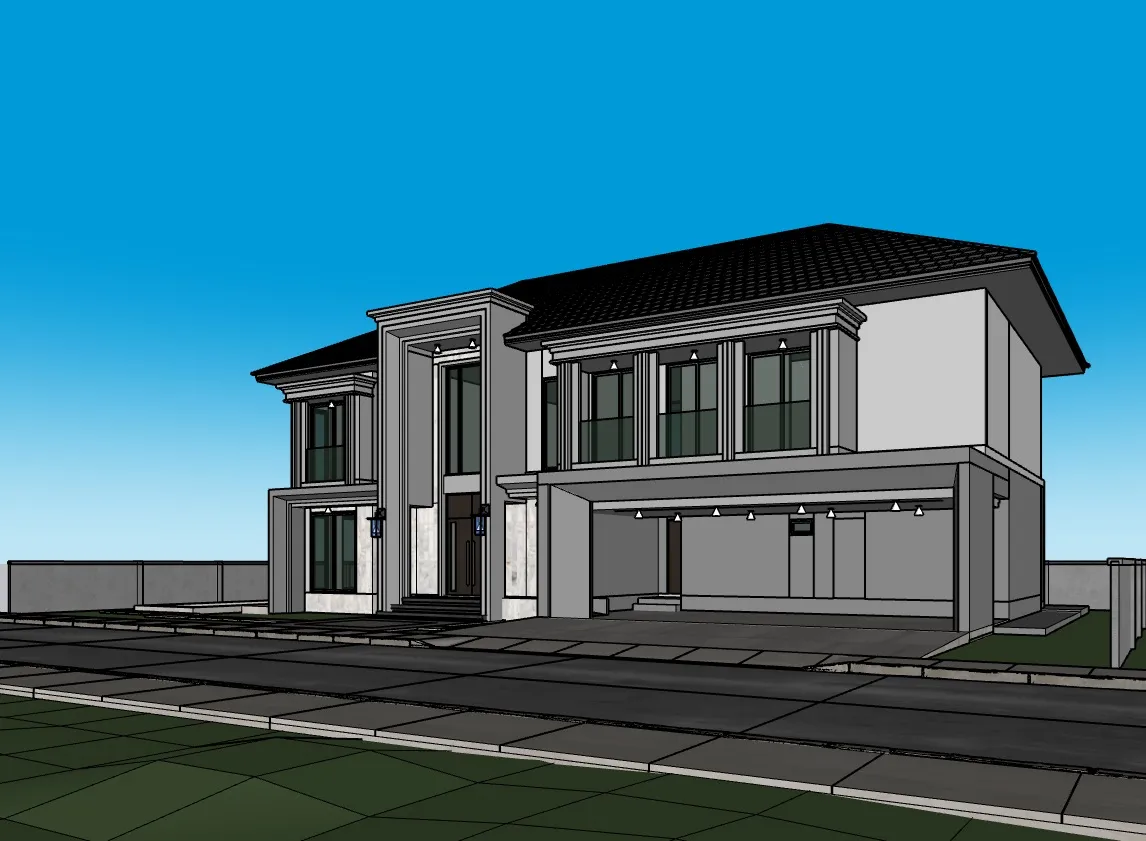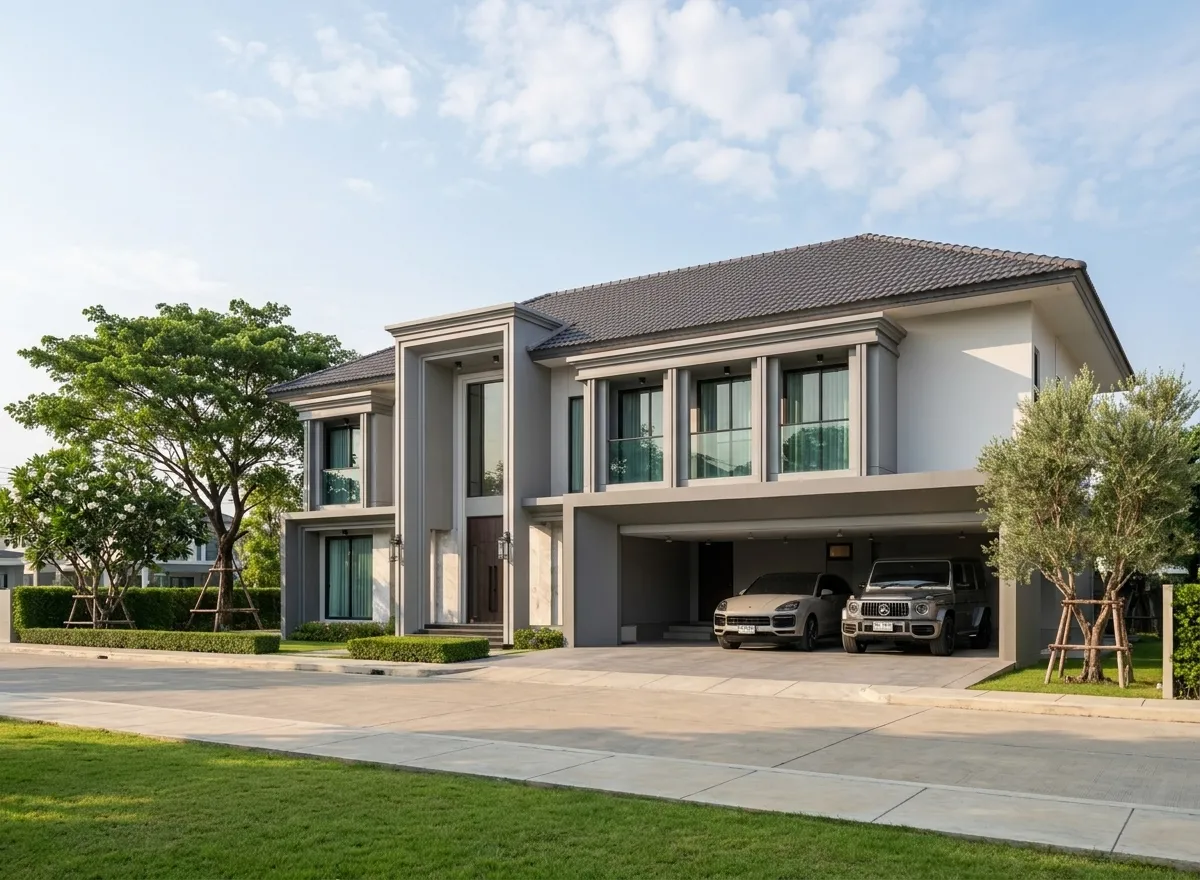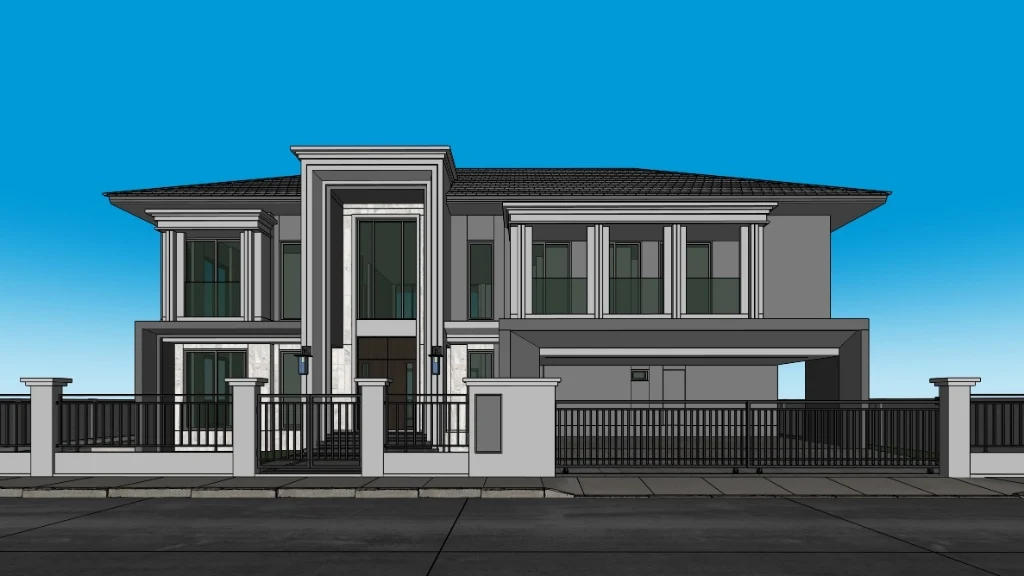
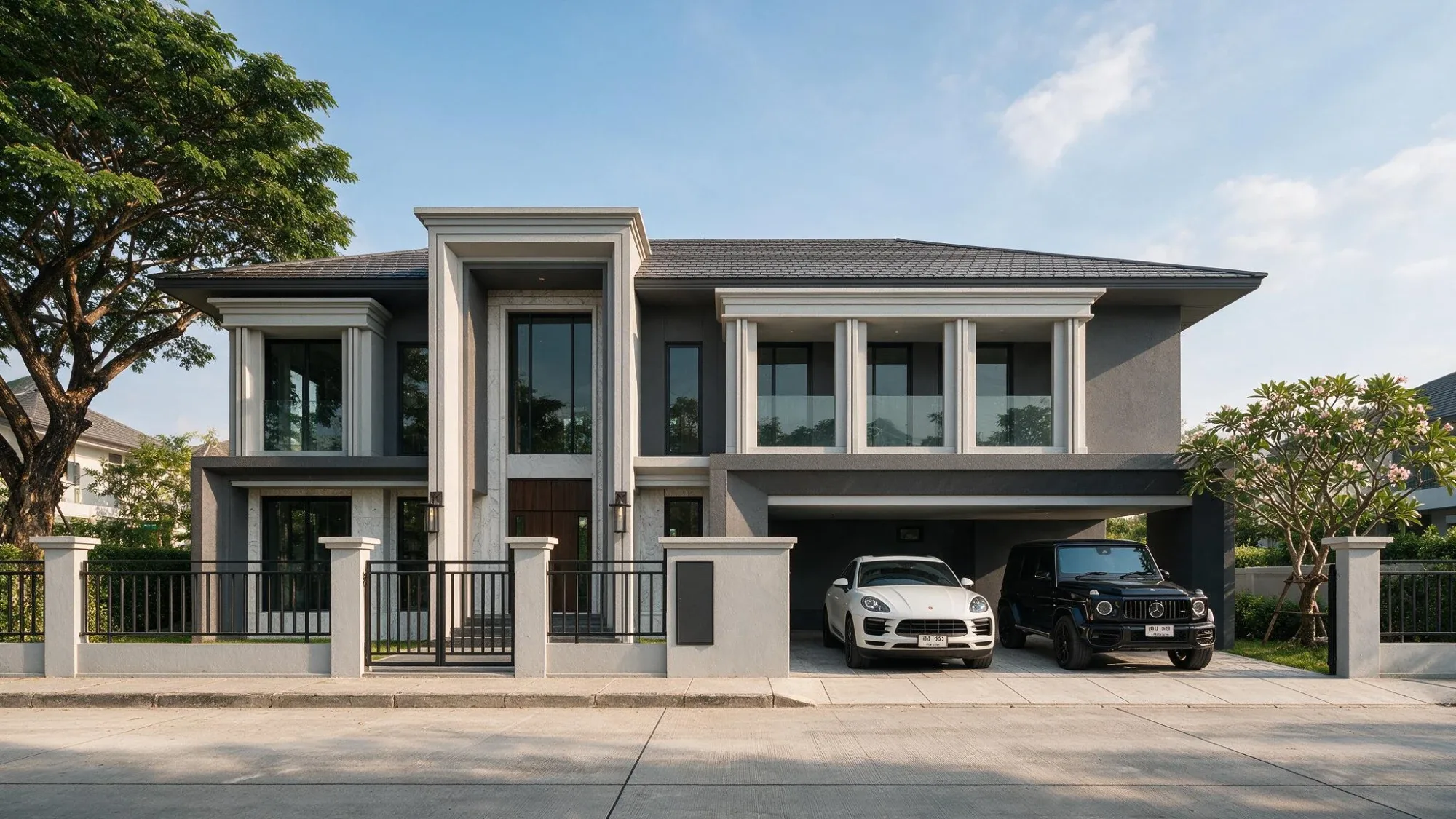
โมเดล SketchUp ของบ้านสองชั้นภาพ render บ้านสองชั้นจากโมเดล SketchUp ด้วย 3DBAi

AI-Powered Architectural Visualization

Transform yourSketch to Reality

Photorealistic renders in seconds, vibe your own render. Powered by AI, No installation required

เริ่มต้น ไม่ต้องติดตั้งโปรแกรมไม่ต้องใช้การ์ดจอ

Capabilities

Professional tools
Effortless workflow

Everything you need for architectural visualization, in one place

Rendering
Rendering

Create your own with short prompt
Photorealistic

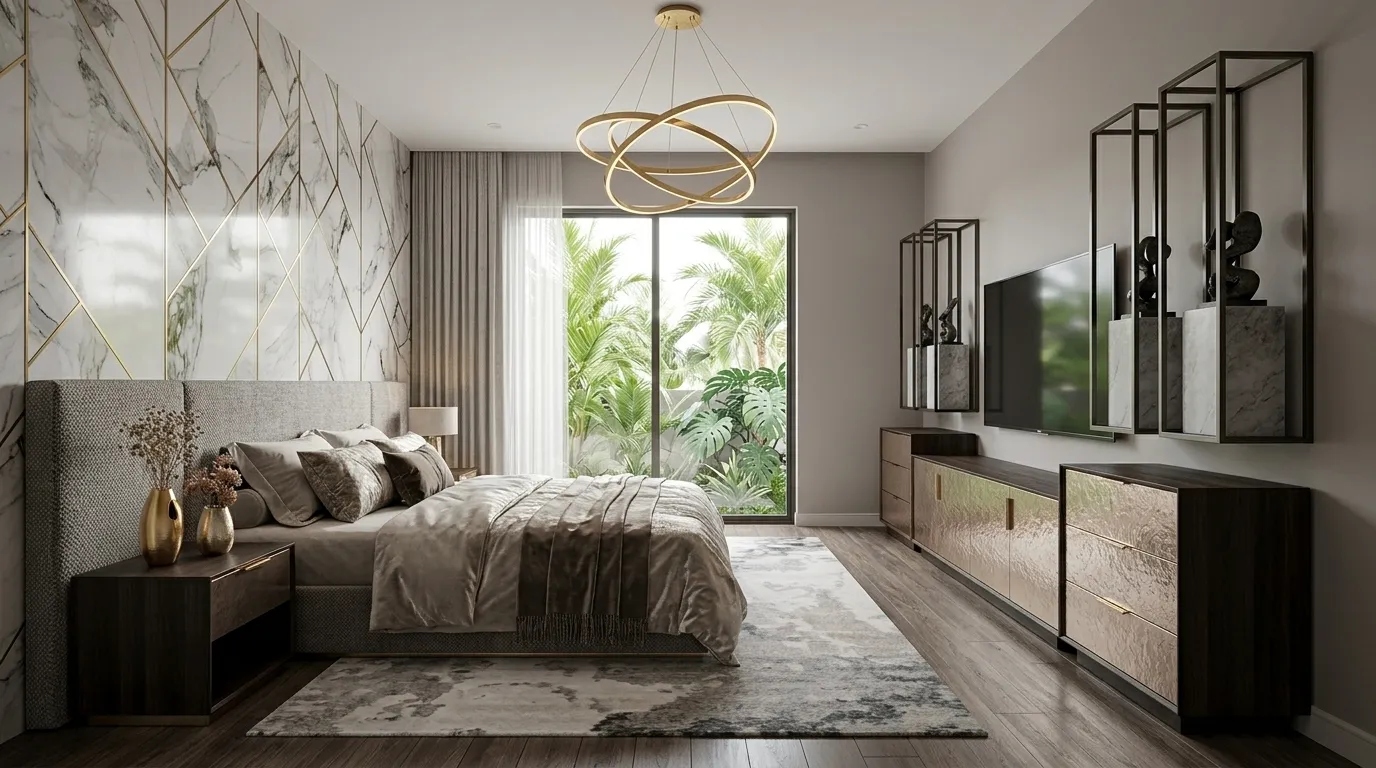
Transform any SketchUp viewport into a stunning architectural render. Choose from dozens of styles — Tropical, Modern, Classic, Industrial — with full control over lighting, mood, and atmosphere

Exterior & Interior
Multiple Styles
Day / Night / Golden Hour
Up to 4K Resolution
Editing

Edit
Studio

AI-powered object detection lets you edit specific parts of your render without re-generating the entire image. Change materials, adjust details, or extend the canvas with Inpaint & Outpaint

Smart Object Selection
Material Swap
Inpaint & Outpaint
Pin & Prompt Edits
Pannellum 2.5.6

Loading...

Drag to explore 360°
Immersive

360° Panorama
Full immersion

Generate immersive 360° panoramas from text prompts and upscale any render up to 4K. Complete with professional post-processing tools — exposure, contrast, depth-of-field, and curated tone presets.

Text-to-Panorama
Up to 4K Upscale
Tone Presets
Full Post-Processing
Floor Plan
AI Render
Floor Plan
AI Render
Plan to Render

From Floor Plan to
Realistic Render

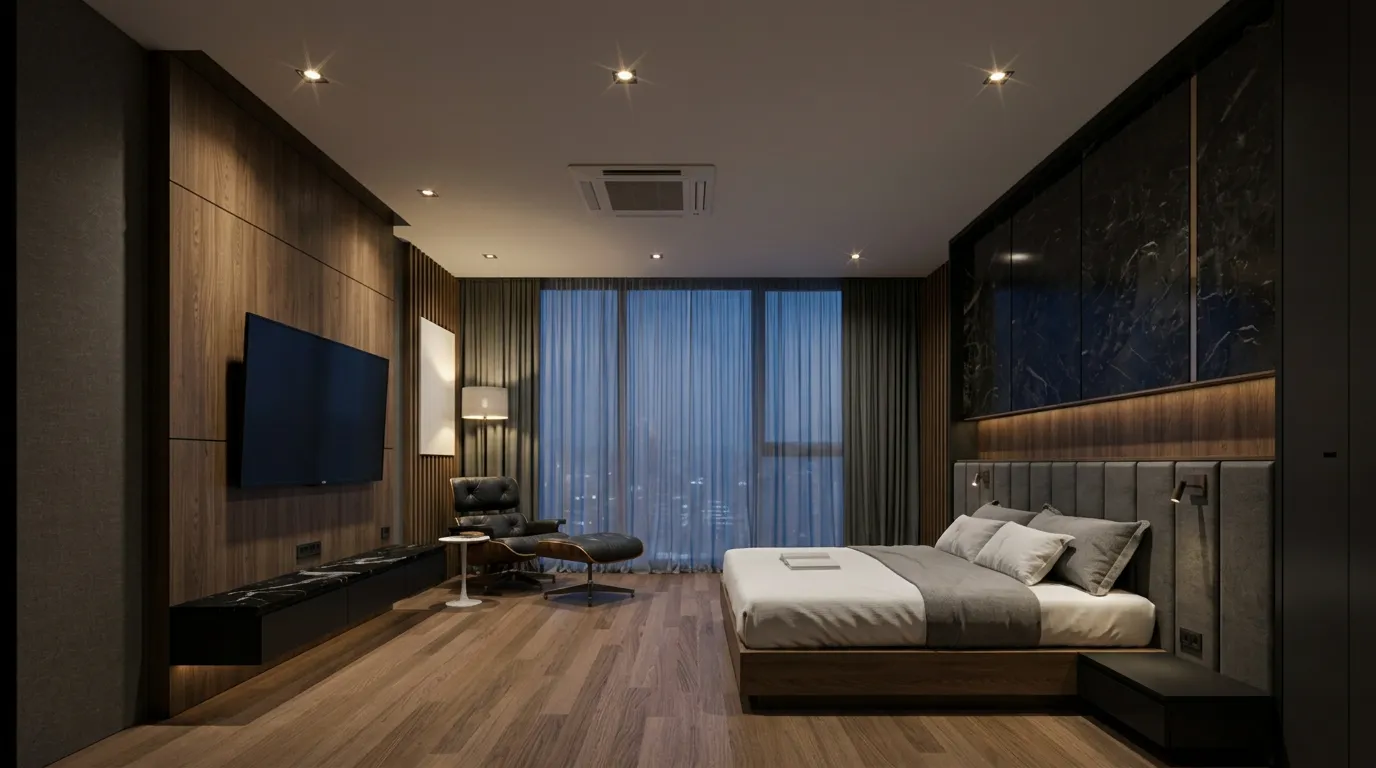
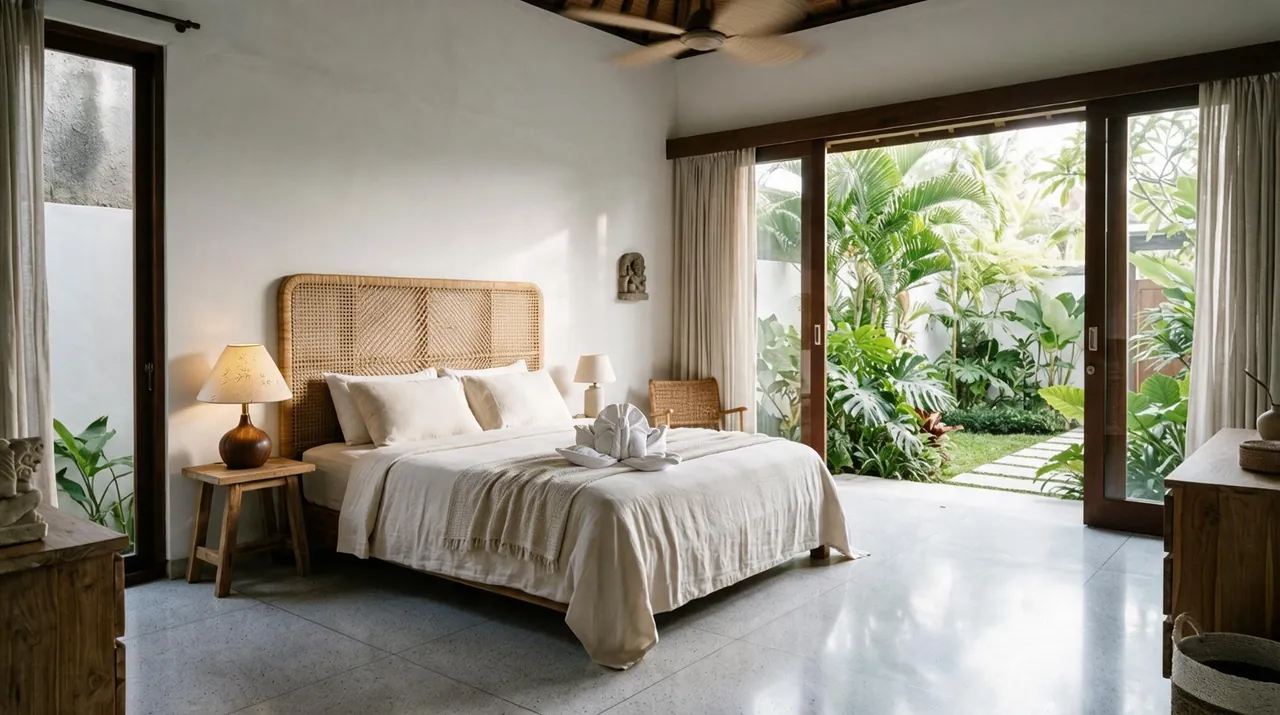
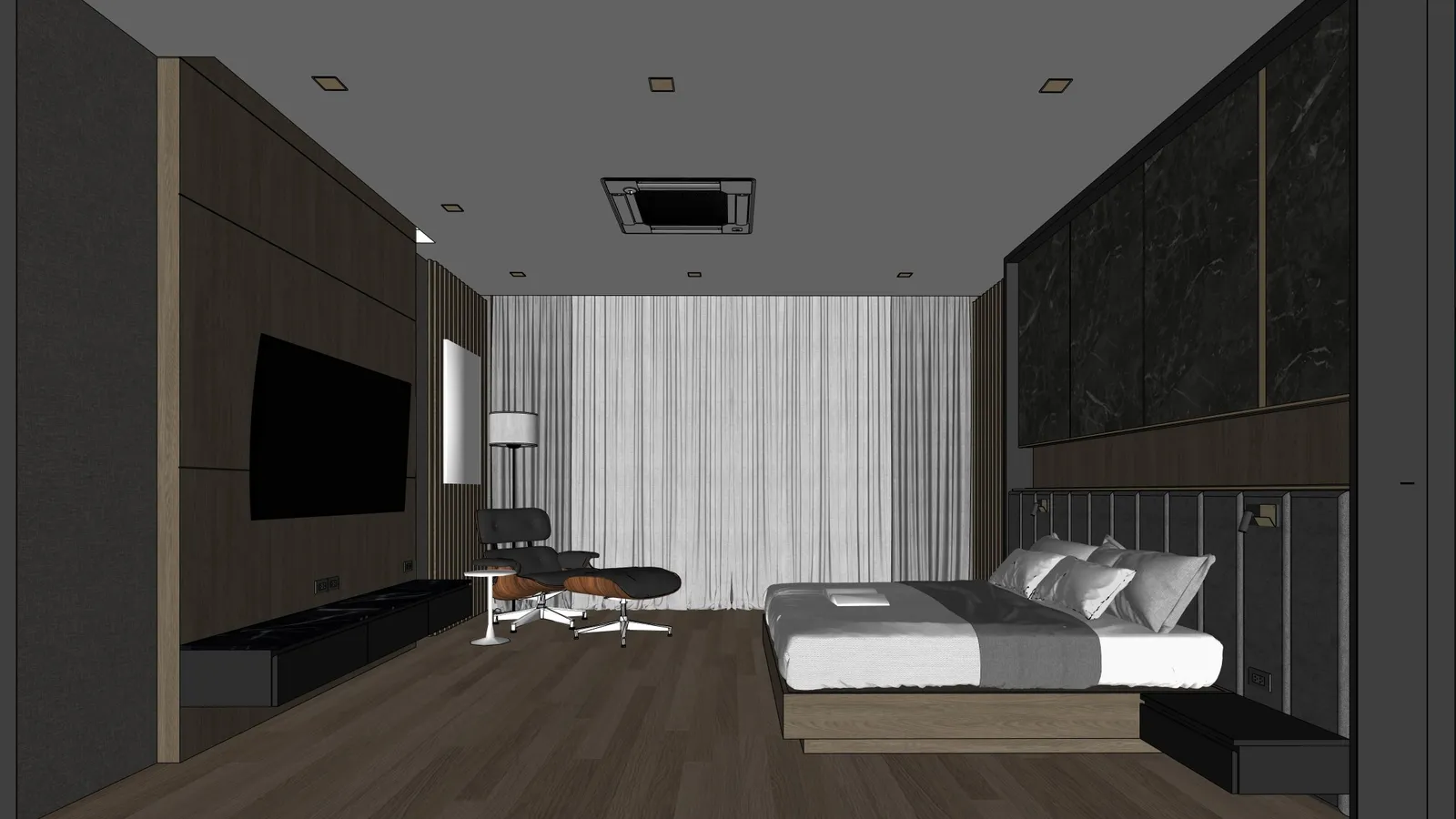
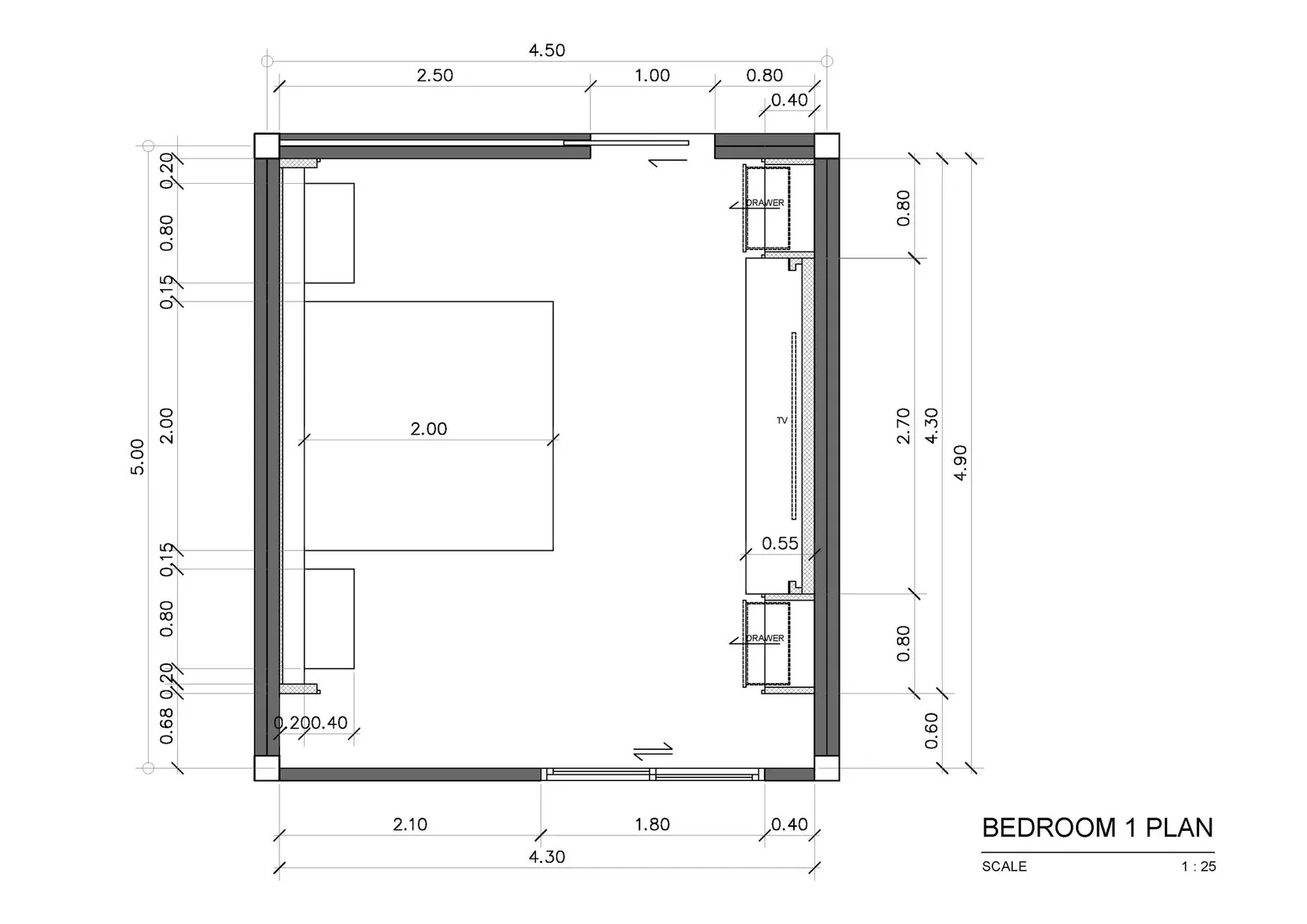
Upload your floor plan and mood board, then draw a camera direction to generate photorealistic interior renders from any viewpoint. Perfect for presenting design concepts to clients before construction begins.

Floor Plan Upload
Custom Camera Direction
Mood Board Integration
Photorealistic Output
Reference
Mood Board
Reference
Mood Board
Mood Board

AI-Powered
Mood Board Generator

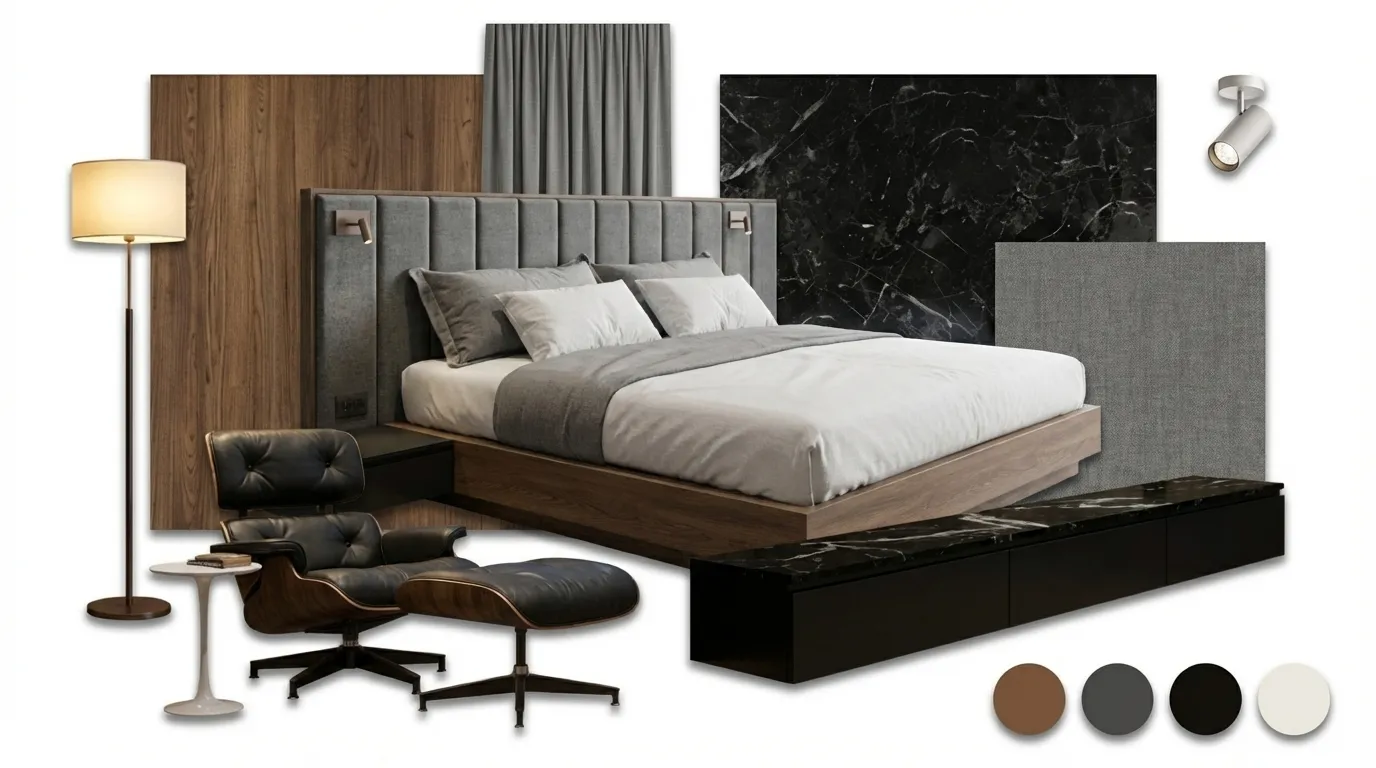
Upload a reference room photo and instantly generate a professional mood board with matching furniture, materials, textures, and color palettes. Multiple layout options from collage to categorized zonal presentations.

Reference Image Matching
Multiple Board Layouts
Color Palette Extraction
Material & Texture Swatches
Node Canvas

One board for
the whole project

Drop a SketchUp view on the board and branch it into every version you need — render, edit, upscale, 360° and mood boards, all wired together. Nothing gets lost in a folder, and a client review link is one click away.

Every tool on one board
Branch any version
See what each edit changes
Client review links

Rendering · 1 / 6

ไม่ได้มีแค่เจนภาพ · ADJUST

render เสร็จแล้ว อยากได้อีกโทน

อยากให้ห้องอุ่นขึ้น ภาพมีมิติขึ้น ไม่ต้องกด render ใหม่ทั้งภาพ เปิด Adjust แล้วแต่งต่อได้เลย

ใช้ Adjust ได้เมื่อมีเครดิตคงเหลืออย่างน้อย 20 เครดิตใช้แล้วไม่เสียเครดิต

Showcase

See the difference

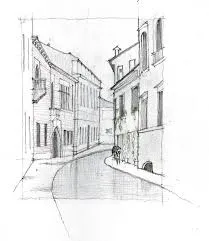
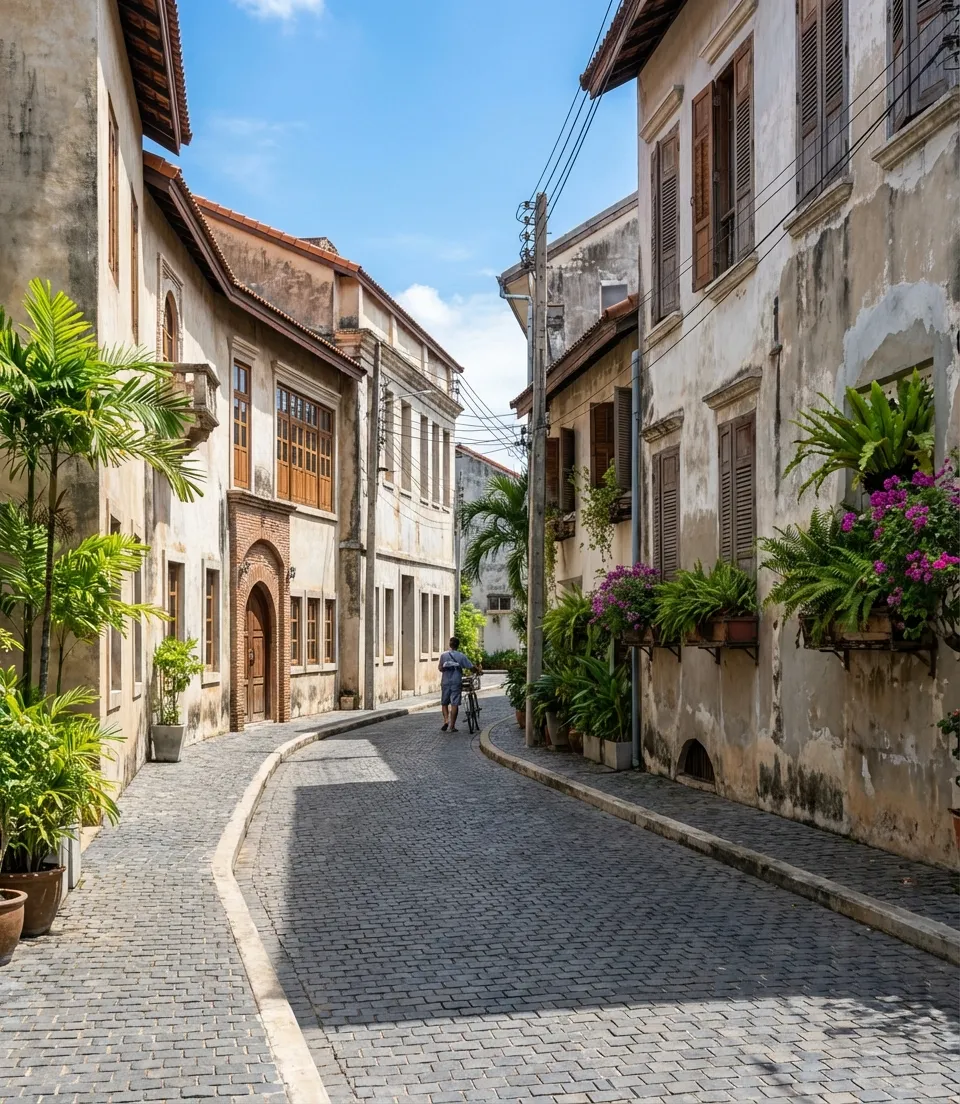
Drag to compare — SketchUp input versus AI-rendered output

Before
After
Sketch
AI Render
Before
After
Sketch
AI Render
Before
After
Sketch
AI Render
Before
After
Sketch
AI Render

Real results from actual users Output may vary based on input quality and settings

Model Comparison

Choose your engine

Same prompt, same input — drag to compare each model's output at 1K resolution

Input
Gemini 3 Pro (Nano Banana Pro)
Input
Gemini 3 Pro (Nano Banana Pro)3 Credits

Both rendered at 1K resolution with identical prompt and settings

ราคา

Pay as you useไม่มีรายเดือน

เติมเครดิตเท่าที่ต้องใช้ ใช้ได้ทุกฟีเจอร์เหมือนกันทุกแพ็ก เครดิตที่เหลือไม่หมดอายุ ต่างกันแค่จำนวนเครดิตและสิทธิ์ที่แถม

Starter

฿499

฿4.99 ต่อเครดิต

100เครดิต

≈ 50 ภาพ

เหมาะกับคนที่อยากลองกับงานจริง 1–2 โปรเจกต์ ก่อนตัดสินใจใช้ประจำ

  • ใช้คนเดียว
  • ใช้ได้ทุกฟีเจอร์ เหมือนกันทุกแพ็ก
  • เรียนคอร์ส Learn ได้ 2 วัน

เลือก Starter

Proประหยัด 15%

฿1,490

฿4.26 ต่อเครดิต

350เครดิต

≈ 175 ภาพ

เหมาะกับฟรีแลนซ์หรือสถาปนิกที่มีงานเข้าเรื่อย ๆ

  • ใช้คนเดียว
  • ใช้ได้ทุกฟีเจอร์ เหมือนกันทุกแพ็ก
  • เรียนคอร์ส Learn ได้ 9 วัน

เลือก Pro

Studioประหยัด 20% · คุ้มที่สุด

฿2,990

฿3.99 ต่อเครดิต

750เครดิต

≈ 375 ภาพ

เหมาะกับคนที่ใช้ประจำทุกสัปดาห์ หรือทีมเล็กที่แชร์เครดิตกัน

  • ใช้คนเดียวหรือเป็นทีมก็ได้ (ทีมสูงสุด 3 คน)
  • ใช้ได้ทุกฟีเจอร์ เหมือนกันทุกแพ็ก
  • เรียนคอร์ส Learn ได้ 30 วัน

เลือก Studio

Businessประหยัด 25%

฿7,900

฿3.76 ต่อเครดิต

2,100เครดิต

≈ 1,050 ภาพ

เหมาะกับออฟฟิศออกแบบที่เรนเดอร์ทุกวัน หรือคนที่ใช้หนัก

  • ใช้คนเดียวหรือเป็นทีมก็ได้ (ทีมสูงสุด 7 คน)
  • ใช้ได้ทุกฟีเจอร์ เหมือนกันทุกแพ็ก
  • เรียนคอร์ส Learn ได้ 60 วัน

เลือก Business

≈ จำนวนภาพ คิดจาก Gemini 3.1 Flash (Nano Banana 2) ที่ 1K ภาพละ 2 เครดิต · โมเดลอื่นดูตารางด้านล่าง

render ไม่สำเร็จ ไม่เสียเครดิตเครดิตไม่หมดอายุ ไม่รีเซ็ตจ่ายบัตรหรือ PromptPay เครดิตเข้าทันที

เครดิตทำงานยังไง · PAY AS YOU USE

เติม Pro ได้ 350 เครดิต

ไม่ใช่ค่าสมาชิก ไม่มีตัดบัตรอัตโนมัติ เติมเท่าที่ต้องใช้ในช่วงนั้น

ที่ลูกค้ามักเข้าใจผิด

ขึ้นเดือนใหม่ เครดิตรีเซ็ตเป็น 0
ไม่ใช่ เครดิตไม่ผูกกับเดือน ใช้เท่าไหร่หักเท่านั้น ที่เหลืออยู่ในบัญชีตลอด

ต้องใช้ให้หมดภายในเดือน
ไม่ต้อง ไม่มีกำหนดเวลา ซื้อแพ็กใหญ่แล้วทยอยใช้ได้

สิ่งเดียวที่นับวัน คือสิทธิ์เรียน Learn ที่แถมมากับแพ็ก เช่น Studio ได้ 30 วันนับจากวันซื้อ ซื้อซ้ำ วันเรียนต่อจากวันเดิม

เครดิตหมดแล้วทำยังไง

มีแจ้งเตือนก่อนหมด เมื่อเหลือไม่ถึง 30 เครดิต

ไม่มีหักเกิน ไม่ติดลบ เครดิตไม่พอ ระบบจะไม่ render และไม่หักเครดิต

ภาพเก่ายังอยู่ครบ เปิดดูใน History ได้เหมือนเดิม

เติมแพ็กไหนก็ได้ ไม่ต้องเป็นแพ็กเดิม จ่ายแล้วเครดิตเข้าทันที ใช้ต่อได้เลย

ใช้กี่เครดิต

เครดิตต่อภาพ แยกตามฟีเจอร์

โมเดล1K2K4K
Gemini 3 ProNano Banana Pro
3510
Gemini 3.1 FlashNano Banana 2
245
Nano Banana 2.1ใหม่Google245
Gemini 3.1 Flash LiteNano Banana 2 Lite
1.5ไม่รองรับไม่รองรับ
GPT-Image 2OpenAI
610ไม่รองรับ
Seedream 5.0 ProByteDance
2ไม่รองรับไม่รองรับ

ภาพจาก SketchUp หรือ 3ds Max · ถ้าไม่ได้ภาพ เครดิตคืนครบ

ได้ทุกฟีเจอร์ ทุกแพ็ก

  • Render AI ทุกสไตล์
  • Smart Edit แก้เฉพาะจุด
  • 360° Panorama
  • 3DBAi Upscale ถึง 8K
  • Adjust แสงสีหลัง render
  • Plan to Render แปลนเป็นภาพ
  • Mood Board

FAQ

Frequently asked
questions

รวมคำถามที่ลูกค้าถามบ่อยที่สุดก่อนเริ่มใช้งาน

แพลตฟอร์ม AI สำหรับ Render งานสถาปัตยกรรม ที่เปลี่ยนภาพจาก SketchUp ให้เป็นภาพ Photorealistic ได้ภายในไม่กี่วินาที รองรับความละเอียดสูงสุด 4K สร้าง 360° Panorama แก้เฉพาะจุดด้วย Smart Edit และปรับแต่งต่อด้วย AI Chat ได้

ยังมีคำถามอื่นอีกไหม? ทักมาที่ LINE @327lihoa ได้เลยครับ

Start creating
Today

No installation No powerful hardware needed
Just open your browser and render